

Promptor
Promptor is an AI chat and sales assistant plugin we built for WordPress sites. It reads your pages and posts, answers visitor questions around the clock from your own content, recommends services and products, and captures contact details inside the conversation. The free version is published on wordpress.org.
Platform
WordPress plugin
Who it is for
Service businesses, local businesses, agencies adding AI to client sites, and WooCommerce stores
Status
Live
1 / 8
What it does
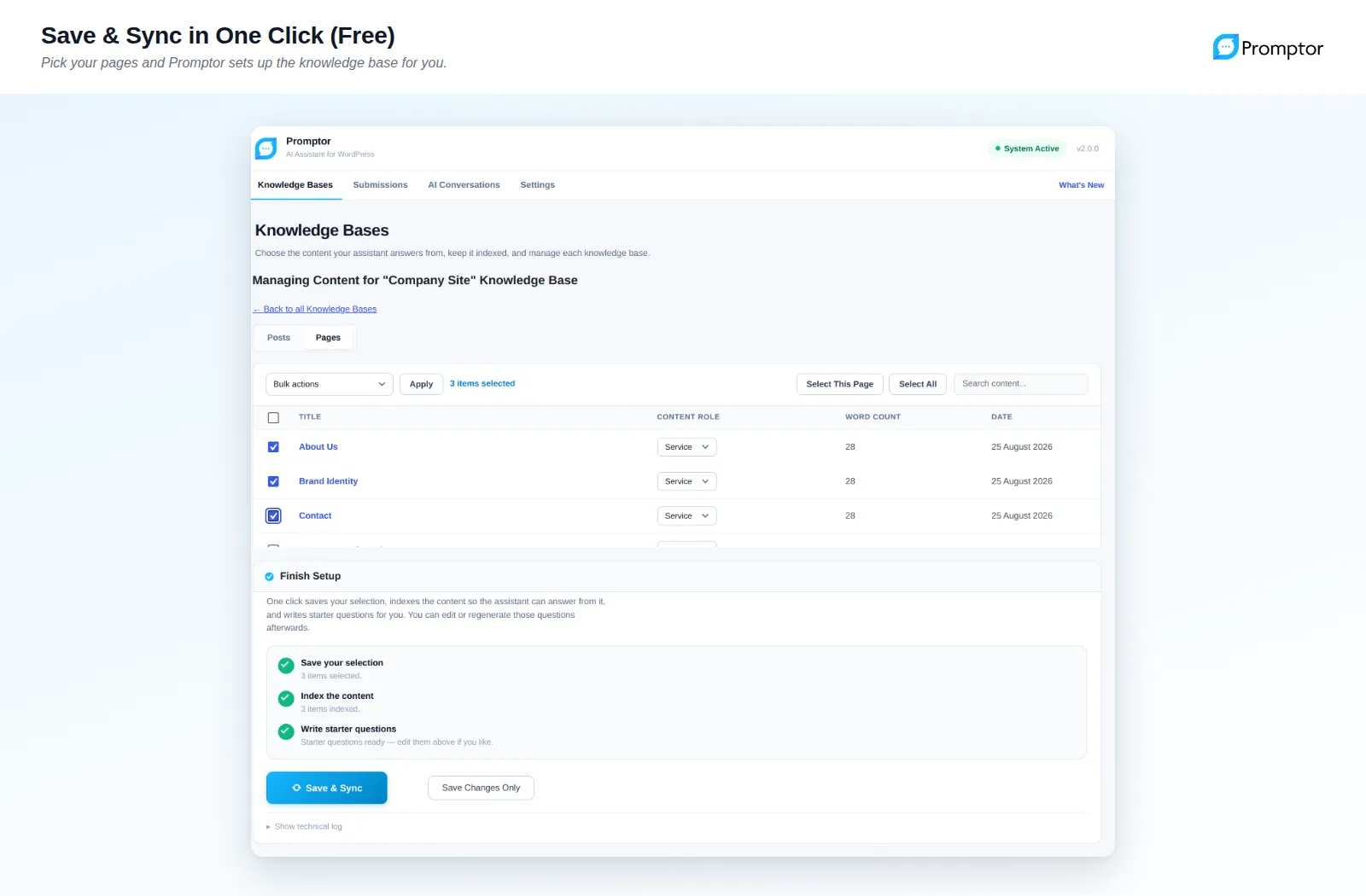
- Answers from your contentSelected pages become a knowledge base in one click; the assistant answers from what is on your site, not from its general training data.
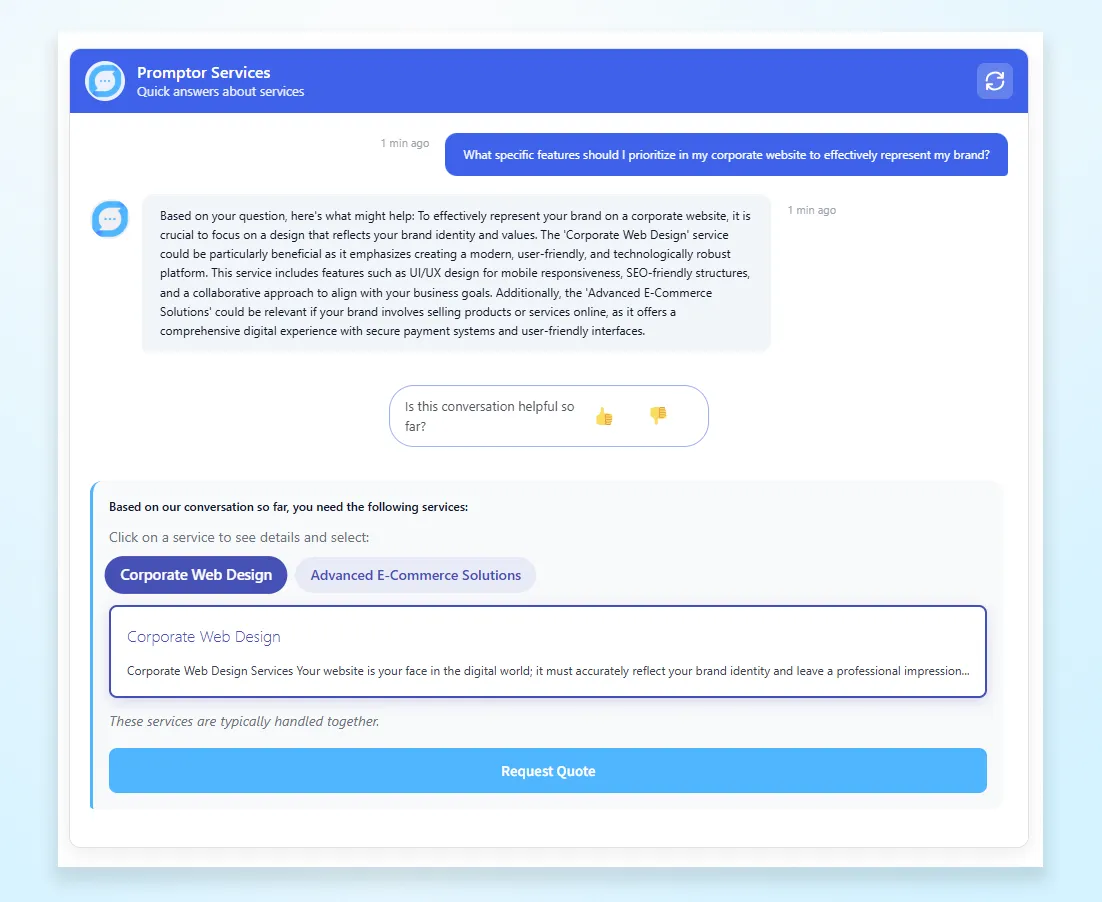
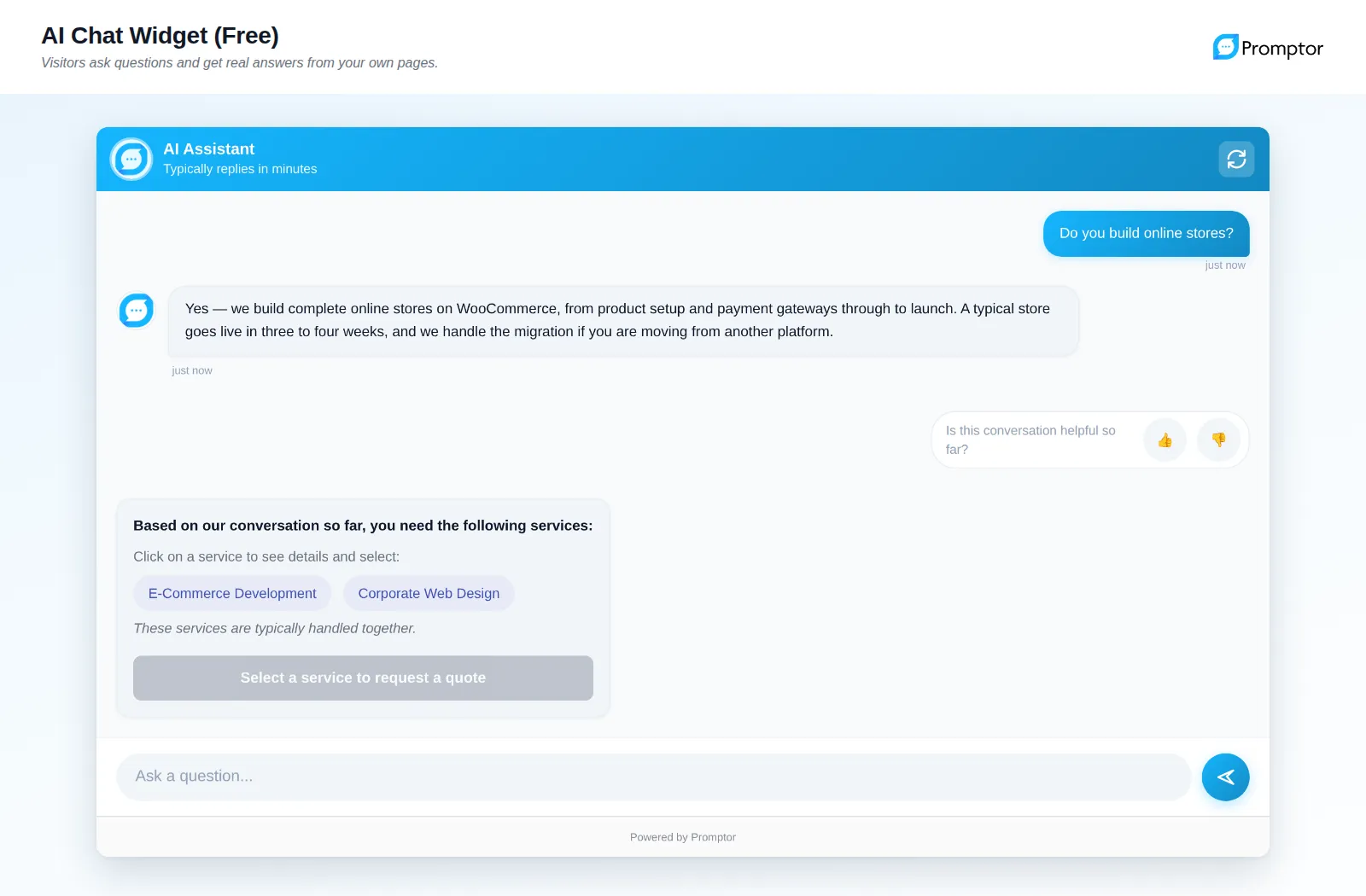
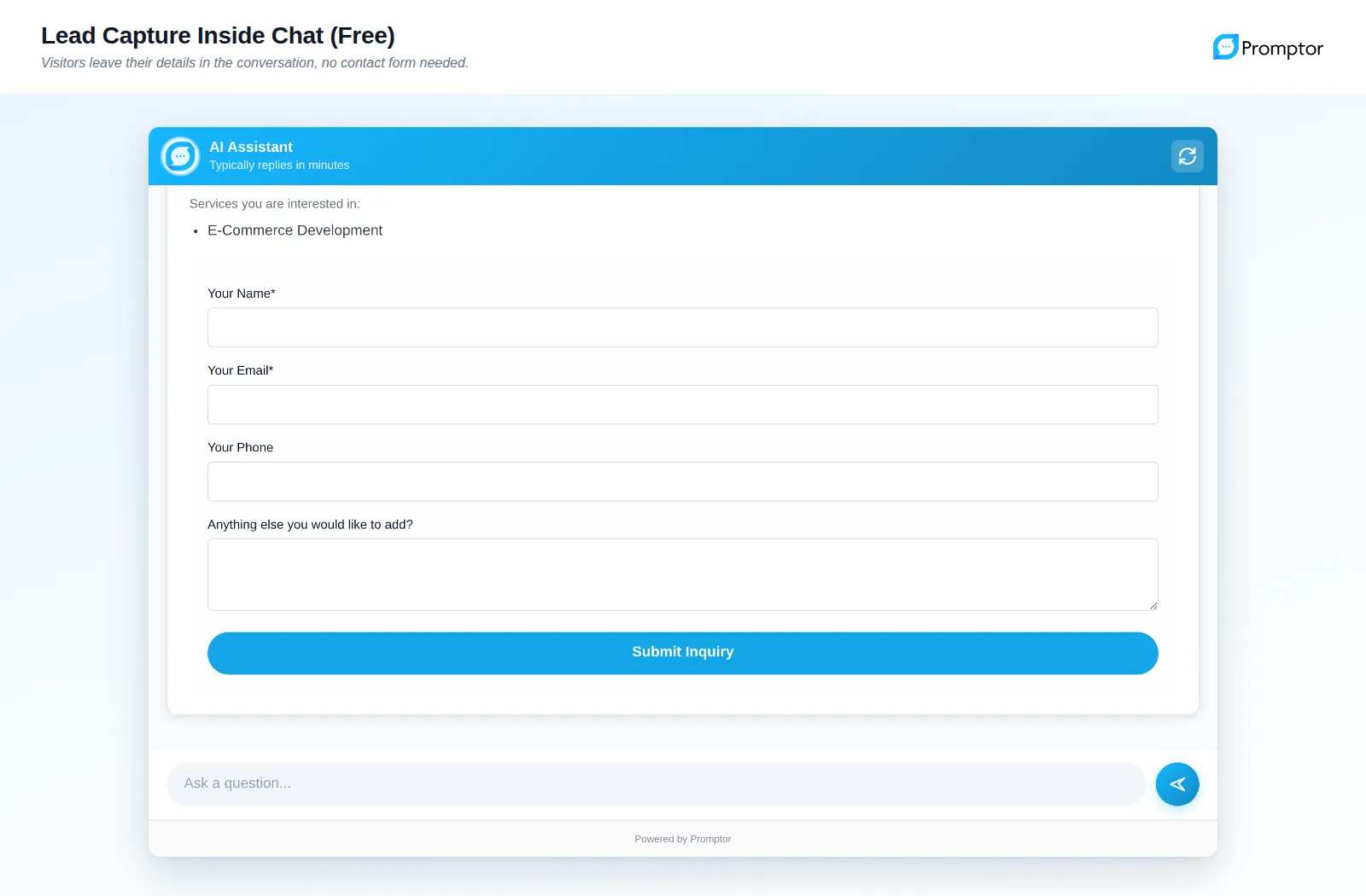
- Lead capture in the chatVisitors share contact details during the conversation, and enquiries land in an inbox in the WordPress admin.
- Your own OpenAI API keyWith your own key, AI costs show up directly on your account. Daily and monthly spending limits with automatic model fallback are built in.
- In the visitor's languageThe assistant replies in whatever language the visitor writes in, streaming the answer as it types.
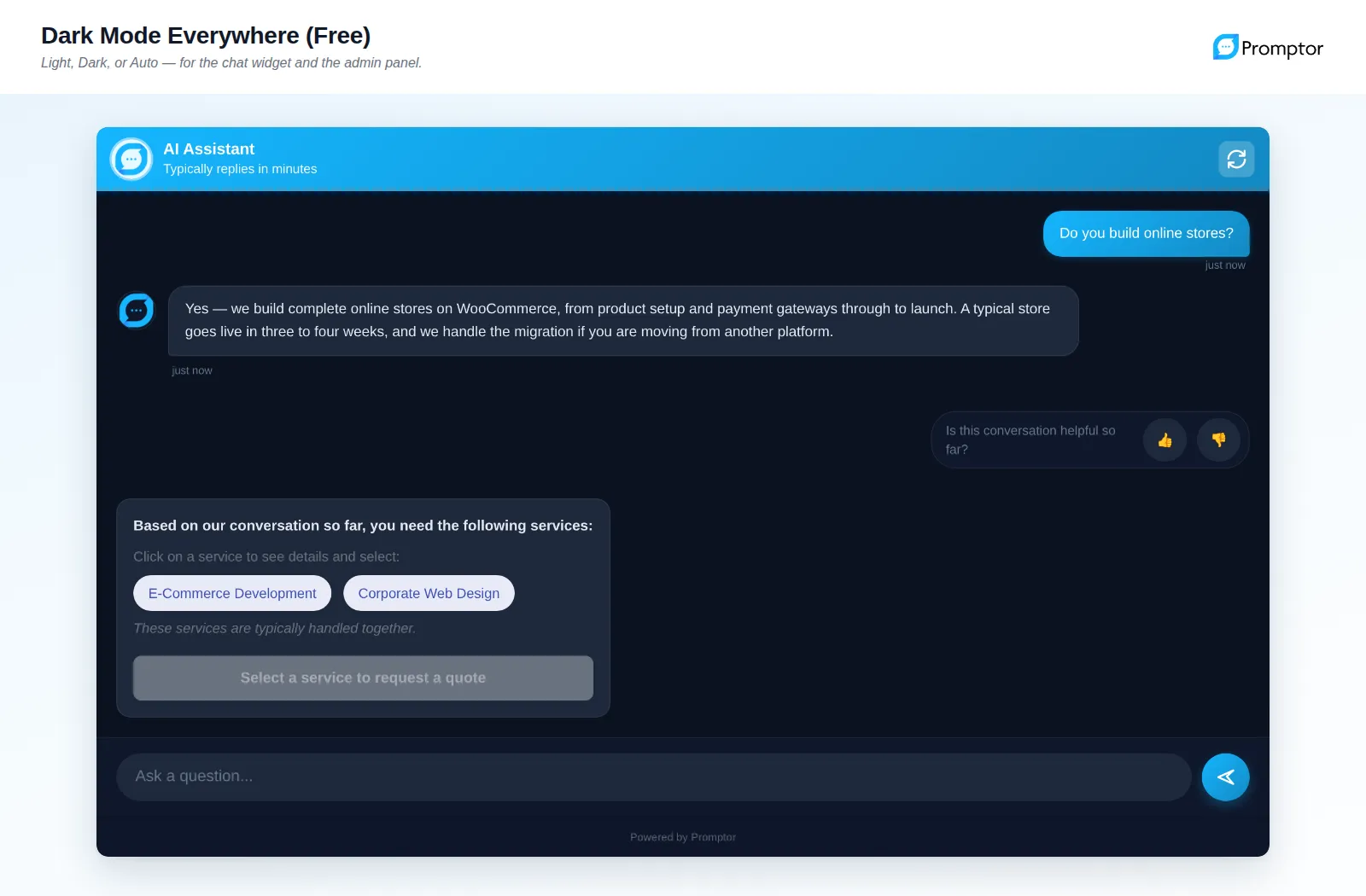
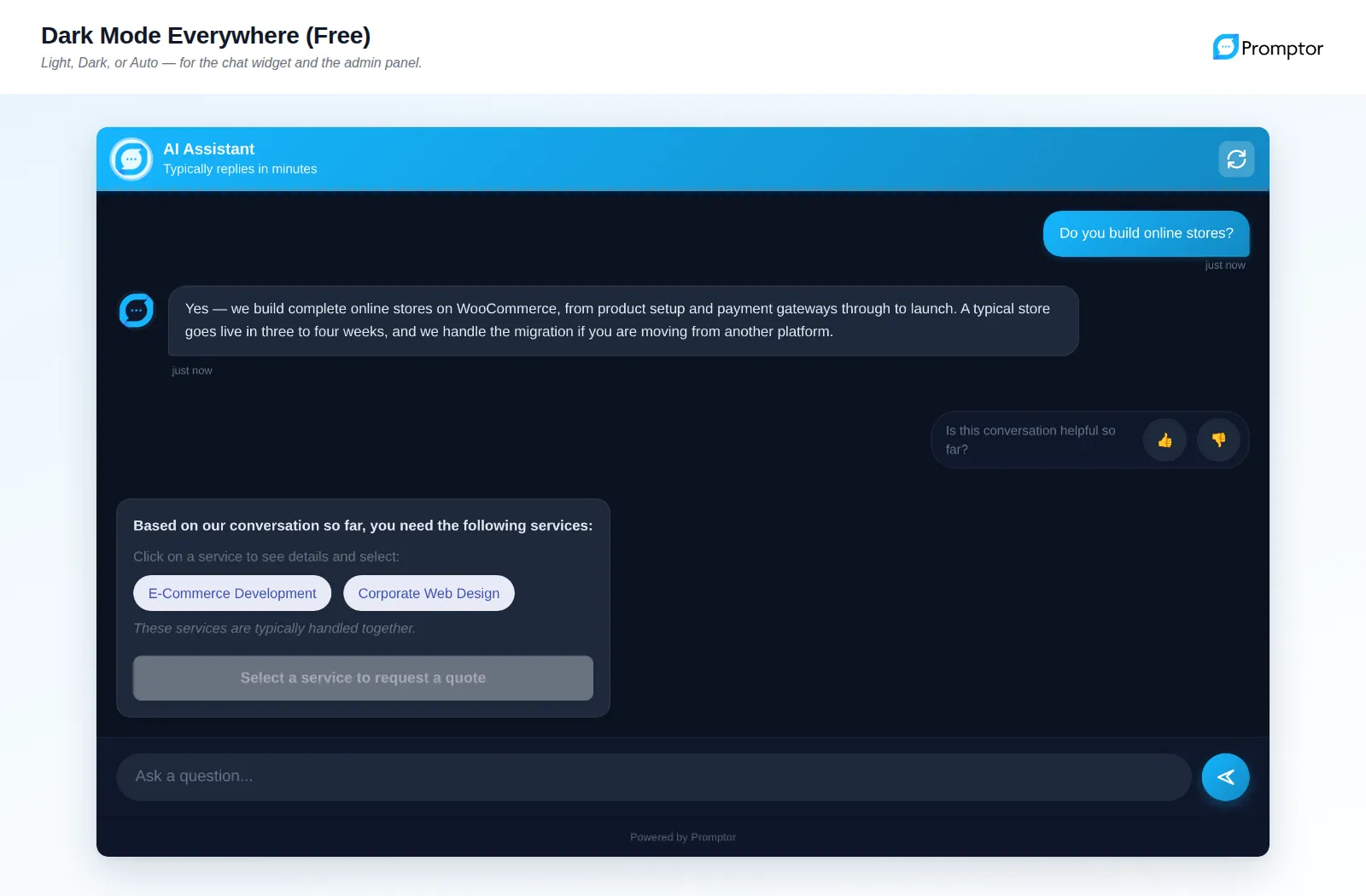
- Fits your brandColours, heading and text are adjustable, with light, dark or auto themes for both the admin panel and the chat widget.
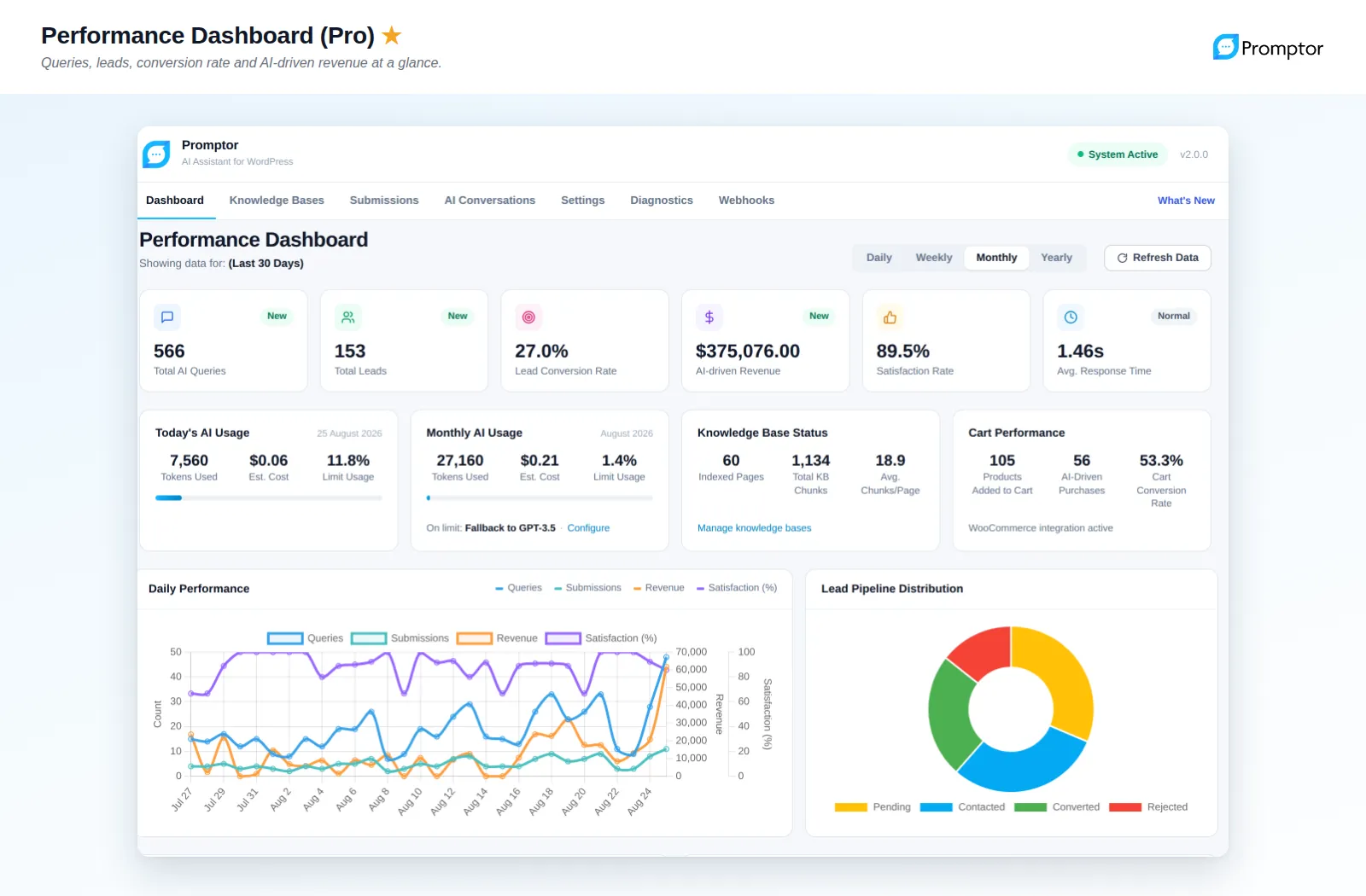
- Pro: WooCommerce and site crawlerPro crawls the whole site, recommends products, adds to cart, scores leads as hot, warm or cold, and connects to Zapier or Make through webhooks.
Our own products
We use the tools and checklists from client projects on our own products too.
All products →What does Promptor solve?
Visitors to a service business’s website usually ask simple questions: do you offer this, how does it work, which package fits me? If the answer arrives after hours, they move on to another site. General-purpose chatbots do not know your site, so their answers are vague or wrong.
Promptor reads your pages and posts. It knows what you offer, answers in the context of your business and guides visitors toward a quote, a booking or a purchase. In the admin panel you see, in plain language, what was asked, what was answered and which pages were recommended.
How does it work?
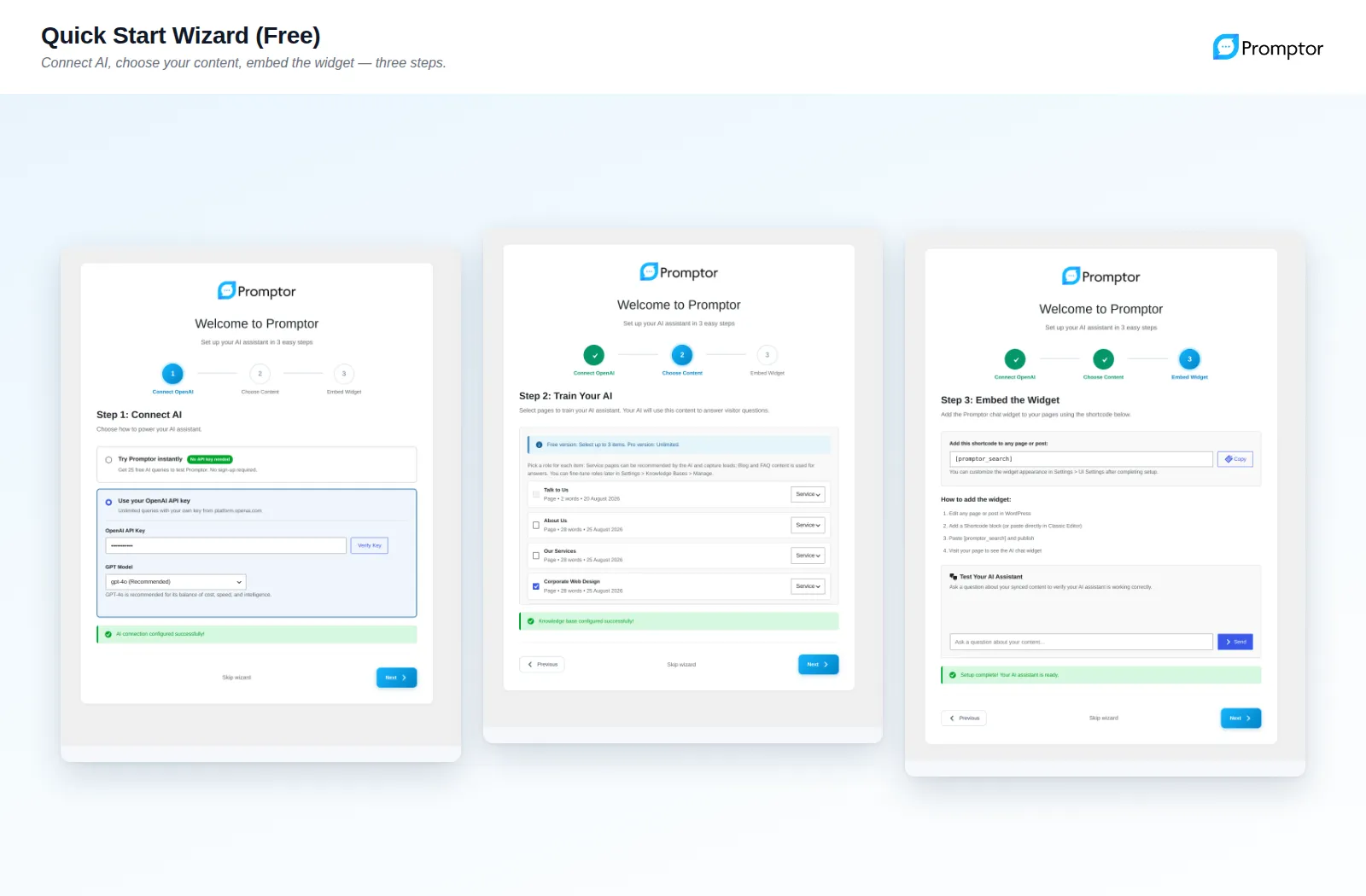
Setup takes three steps. You activate the plugin and either start the trial without an API key or enter your own OpenAI API key. Then you pick the pages that describe your business, and Promptor reads them and builds the knowledge base. Finally you add the [promptor_search] shortcode to any page. The setup wizard also suggests sample questions so you see results straight away.
Who is it for?
Service businesses losing leads to slow replies, founders who need to qualify enquiries outside business hours, local businesses that want common questions answered automatically, and agencies adding AI to client websites. WooCommerce stores can recommend products through conversation with Pro.
What Corrplus carries into client work
Promptor solves a small, measurable version of a common problem: a language model answering from company content. How to keep the knowledge base current, how to cap cost and how to show where an answer came from are the same questions we face in larger RAG knowledge assistant and AI sales assistant projects.
Publishing a plugin on wordpress.org and keeping it compatible with new WordPress releases is a discipline of its own. We bring that experience to our WordPress and web development work.
Frequently asked questions
Do I need an OpenAI API key to try Promptor?
No. The free trial runs a limited number of queries without an API key. For ongoing use you enter your own OpenAI API key, so AI costs are billed to your account and stay transparent.
Where are visitor questions sent?
With your own key, questions and the selected content are sent to OpenAI to generate answers. If conversations include personal data, review your privacy notice and cross-border transfers under GDPR, or KVKK in Türkiye, with your legal counsel.
How does the free version differ from Pro?
The free version is fully functional: knowledge base, lead capture, spending limits and a chat widget placed with a shortcode. Pro adds an unlimited knowledge base, a site crawler, a popup chat button, WooCommerce integration, analytics and webhooks.
Where can I see it working?
The live demo at promptorai.com/demo answers real questions. You can install the plugin directly from wordpress.org.
Let’s talk about your transformation
Tell us which work repeats every week. We will tell you honestly whether it is worth automating.
How we start
- A free first callWe pin down the problem and the goal together.
- A 2-week discovery sprintWe look at the data, the process and the tools, and decide where to start.
- A written proposalScope, architecture and timeline, in writing.